Build network labs visually. Run them anywhere.
Isothrum is a GNS3-style editor for containers and VMs. Draw your lab, cable it, and download ready-to-run Docker, Vagrant and Terraform files.
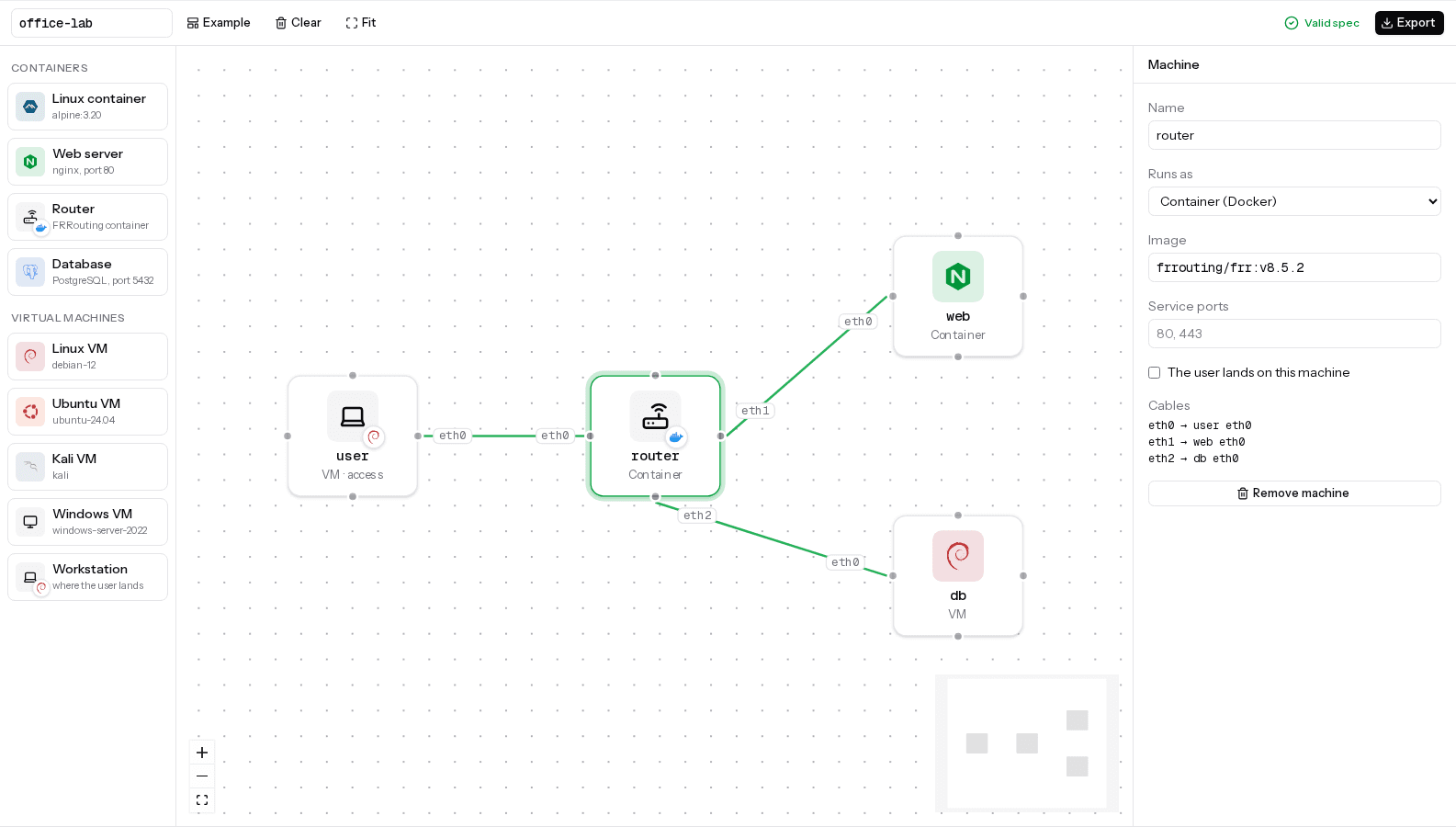
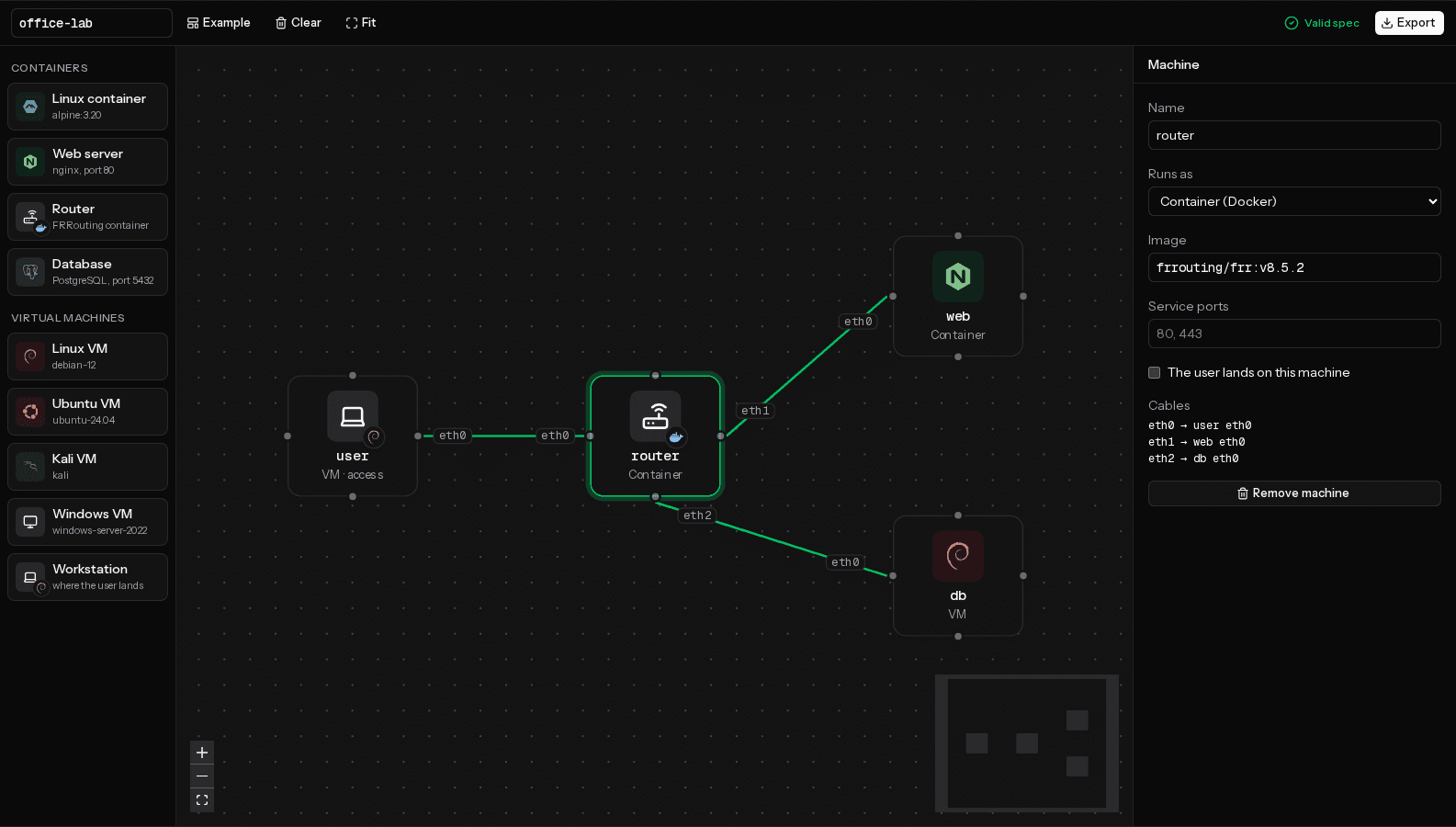
One lab, exported to
- Docker Compose
- Vagrant
- Proxmox
- Kubernetes
- AWS
- Azure
- Google Cloud
- DigitalOcean
- Linode
- Oracle Cloud
eth0Features
Everything you need to sketch a lab, nothing to install
Isothrum turns a drawing into the files that build it, so you spend your time on the lab, not on the plumbing.
Draw it like GNS3
Drag devices onto a canvas and cable them port to port. Port names sit next to each cable end, so the diagram reads like a real rack.
Containers and VMs side by side
Put Docker images next to Debian, Ubuntu, Kali or Windows VMs and cable them together in the same lab.
One lab, every environment
Download the same lab for Docker Compose, Vagrant, Proxmox, Kubernetes, or Terraform on AWS, Azure, Google Cloud, DigitalOcean, Linode and Oracle Cloud.
Checked as you draw
Every change is validated by Isoloom. When something is wrong, you see which machine and what to do about it.
Private by design
The engine runs in your browser as WebAssembly. Your lab is never uploaded: it stays on your machine.
A file you own
Your lab is an isoloom.yml: readable YAML you can keep in Git, edit by hand, and run with the Isoloom command line.
eth1How it works
From a drawing to a running lab in three steps
- 1
Draw
Drop machines on the canvas and drag a cable between two of them. Pick an image or an OS for each one.
- 2
Download
One click gives you a zip with the isoloom.yml and the Docker, Vagrant and Terraform files generated from it.
- 3
Run
Start it with the tool you already have. The same lab behaves the same way on every target.
$ unzip office-lab.zip -d office-lab && cd office-lab# Containers only$ docker compose -f .isoloom/docker/compose.yml up -d# VMs, or containers and VMs together$ cd .isoloom/hybrid && vagrant up# In the cloud$ cd .isoloom/cloud-docker/aws && terraform init && terraform applyeth2Built for learning
Built for learning
A lab is the fastest way to understand a network. Isothrum makes building one take minutes, not an afternoon.
Students
Practise networking, Linux and security on a lab you can break and rebuild in minutes.
Teachers and trainers
Design a lab once and give every student the same zip. It runs the same on their laptop or in the cloud.
Home labs and CTFs
Sketch an environment, run it on Docker today and move it to Proxmox or the cloud tomorrow.
eth3GNS3
Isothrum and GNS3
GNS3 is the reference for emulating vendor network gear. Isothrum is for labs built from containers and VMs that you want to run anywhere.
| Isothrum | GNS3 | |
|---|---|---|
| Runs in the browser, nothing to install | Yes | No |
| Containers and VMs in one lab | Yes | Yes |
| Same lab on Docker, VMs, Proxmox and the cloud | Yes | No |
| Live consoles and packet capture | Planned | Yes |
| Cisco IOS and other vendor images | No | Yes |
eth4FAQ
Frequently asked questions
Is Isothrum free?
Yes. The editor runs in your browser, with no account and no sign-up.
Does my lab leave my browser?
No. The engine runs in your browser as WebAssembly and your drawing is saved in your browser's local storage. The site only counts anonymous page views.
What do I need to run the lab I download?
Docker for a lab made only of containers. Vagrant with VirtualBox, VMware or libvirt for VMs, and for labs that mix containers and VMs. Terraform and a cloud account to run it in the cloud, or a Proxmox server.
What is isoloom.yml?
The open spec Isothrum writes, from the Isoloom project. One file describes the machines, the networks between them and the services they expose, and Isoloom turns it into the files for each target.
Can I use Cisco or other vendor images?
Not directly. Use an open router such as FRRouting in a container, or any VM operating system Isoloom supports.
How does routing work between cables?
Each cable is its own small network. Isothrum doesn't route between them for you: a router machine needs its own configuration, as it would in a real network.
Draw your first lab now
No account, nothing to install. Open the editor, start from the example, and download it in one click.
Open the editor